If you walked through a typical office a decade ago, you probably would have seen a printer on nearly every desk. While convenient, these personal printers often created more problems than they solved. They were expensive to maintain, difficult to manage, and offered little visibility into printing costs.
Today, many organizations are taking a different approach. Instead of maintaining dozens of individual desktop printers, they are replacing them with strategically placed centralized MFPs (multifunction printers) that serve entire departments or workgroups.
Centralized MFPs help businesses not only save space but also reduce costs, improve security, simplify document workflows, and create a more efficient print environment.
If your office is still relying on multiple desktop printers, here are a few reasons why it may be time to rethink your printing strategy.
What Is a Centralized MFP, Anyway?
A multifunction printer, or MFP, combines printing, copying, scanning, and faxing into one machine. “Centralized” simply means your whole team shares a few powerful devices instead of dozens of small ones scattered around the office. Think of it like this. Instead of ten cheap coffee makers that each break down and need their own filters, you invest in one great machine that serves everyone reliably. That shift is the heart of smart office print management. So, what are the benefits of switching to centralized MFPs?
1. Lower Printing Costs
One of the biggest reasons businesses replace desktop printers is cost.
While an individual desktop printer may seem inexpensive, the costs quickly add up when an office has dozens of them. Each device requires its own toner, maintenance, supplies, and occasional repairs. Employees may also purchase different toner cartridges for different models, making inventory difficult to manage.
A centralized multifunction printer for business consolidates printing into fewer, more efficient devices.
This helps organizations:
- Purchase fewer supplies
- Reduce maintenance expenses
- Lower energy consumption
- Simplify service and support
- Standardize toner inventory
Many businesses are surprised by how much they save simply by reducing the number of devices they manage.
2. Improve Document Security
Desktop printers often create unnecessary security risks.
Sensitive documents can sit unattended on output trays, local devices may not receive regular firmware updates, and employees sometimes print confidential information without any authentication requirements.
Centralized MFPs typically include advanced security features such as:
- Secure print release using PINs or ID badges
- User authentication
- Hard drive encryption
- Automatic data overwrite
- Network security monitoring
These features help protect confidential information while giving IT teams greater control over document security. For industries such as healthcare, legal, education, finance, and government, this added protection is especially valuable.
3. Simplify Document Workflows
Modern MFPs do much more than print. They function as document hubs that help employees manage information more efficiently. Instead of printing, scanning, and emailing documents with separate devices, employees can complete everything through a single centralized system.
Many MFPs allow users to:
- Scan directly to email
- Save documents to cloud storage
- Route files into document management systems
- Convert paper documents into searchable files using OCR
- Automate document workflows
These capabilities reduce manual work and help employees complete everyday tasks more quickly.
4. Gain Better Visibility Into Printing
When every employee has a personal printer, it becomes incredibly hard to understand how much the organization is actually printing.
Centralized MFPs provide valuable reporting that helps businesses track:
- Print volume
- Color versus black-and-white printing
- Department usage
- Individual user activity
- Printing costs
This visibility makes it easier to identify waste, optimize device placement, and create smarter printing policies. Rather than guessing where money is being spent, businesses gain real data to support better decisions.
5. Reduce IT Workload
Every printer represents another device that needs to be maintained.
When offices have dozens of desktop printers, IT teams often spend unnecessary time installing drivers, troubleshooting issues, updating firmware, and supporting multiple printer models.
Consolidating devices into centralized MFPs significantly reduces this administrative burden.
Even better, businesses that partner with a managed print services provider can outsource much of this responsibility altogether.
Managed print services often include:
- Remote device monitoring
- Automatic toner replenishment
- Preventive maintenance
- Software updates
- Service dispatch
- Usage reporting
This allows IT teams to focus on higher-value initiatives instead of printer problems.
6. Support Sustainability Goals
Many businesses are looking for practical ways to reduce waste and operate more sustainably.
Centralized MFPs can support these efforts by encouraging smarter printing habits.
Features such as:
- Default duplex printing
- Print tracking
- User authentication
- Digital document workflows
- Scan-to-cloud functionality
help reduce unnecessary printing and lower paper consumption. Using fewer devices also decreases energy usage and electronic waste over time.
7. Create a Better Employee Experience
Employees want technology that simply works. Constant paper jams, empty toner cartridges, and unreliable desktop printers create frustration and interrupt productivity.
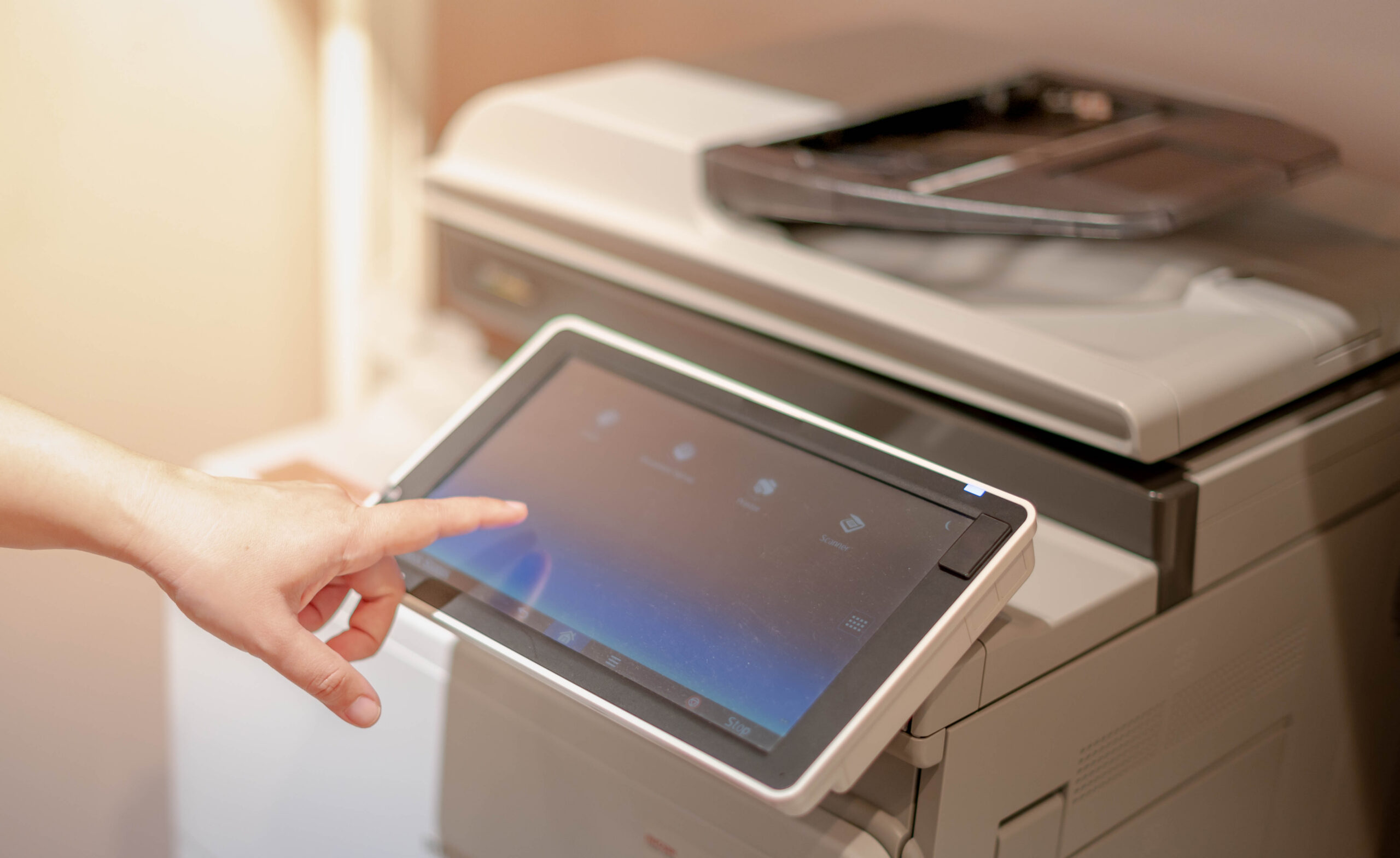
Modern centralized MFPs are built for higher print volumes and greater reliability. Large touchscreens, faster print speeds, intuitive interfaces, and advanced scanning features make everyday tasks easier for employees. Instead of managing multiple aging printers across the office, businesses can provide a more consistent and dependable printing experience.
Is It Time to Rethink Your Print Environment?
If your office still relies on multiple desktop printers, it may be worth evaluating whether those devices are helping or hurting productivity.
In many cases, consolidating to centralized MFPs allows businesses to:
- Lower operating costs
- Improve document security
- Streamline workflows
- Reduce IT support requests
- Gain better visibility into printing
- Improve employee productivity
The right print environment is not necessarily the one with the most devices. It is the one that supports your employees while keeping costs under control.
At AD Solutions, we help businesses optimize their print infrastructure with centralized MFPs, managed print services, workflow automation, and document management solutions. Our team evaluates your current print environment, identifies opportunities to improve efficiency, and recommends solutions that align with your business goals.
Whether you are looking to reduce printing costs, improve security, or modernize document workflows, we can help you build a print environment that works smarter for your business.
Contact us today to learn how centralized MFPs can transform the way your office prints, scans, and shares information.
Frequently Asked Questions
- Why are businesses replacing desktop printers?
Businesses are replacing desktop printers to reduce costs, improve document security, simplify maintenance, and streamline document workflows with fewer, more capable devices.
- How do centralized MFPs reduce printing costs?
Centralized MFPs reduce expenses by lowering toner inventory, minimizing maintenance costs, improving energy efficiency, and providing better visibility into printing habits.
- How do managed print services work with centralized MFPs?
Managed print services monitor your devices remotely, automate toner replenishment, provide maintenance and repairs, track print usage, and help businesses optimize their overall print environment.