Working remotely has its perks: no commute, fewer office distractions, and the flexibility to work from almost anywhere. But for employees, that flexibility only works when they have the right tools to do their jobs. Think about a typical workday for someone working from home. They might need to join a team meeting, answer a customer call, access a document stored at the office, collaborate on a project, and troubleshoot a technical issue. In a traditional office, many of these tasks are relatively straightforward. But when employees are working from different locations, even small technology problems can become frustrating. A slow laptop, unreliable phone system, or difficulty accessing files can interrupt an entire workday. And when employees cannot walk over to the IT department or ask a coworker for help, resolving those problems can take longer. That is why investing in the right remote work technology is crucial. Whether your business has a fully remote team or employees who split their time between home and the office, the right solutions can make it easier to communicate, collaborate, and get work done. Here are some of the most useful technologies for supporting remote employees and creating a more connected workplace.
1. Reliable Laptops and Workstations
Let’s start with the basics. Employees need reliable equipment to do their jobs, regardless of where they work. A laptop that takes forever to start, freezes during video meetings, or struggles to run multiple applications can quickly become a source of frustration. And while those problems may seem minor, they can add up to lost productivity throughout the week. When choosing technology for remote employees, consider the type of work each person performs. For example, an employee who primarily answers emails, updates spreadsheets, and attends virtual meetings may have different hardware requirements than someone who regularly works with large files, design software, or data-heavy applications. Some important factors to consider include:
- Performance: Enough processing power and memory to run essential applications without constant slowdowns.
- Portability: Lightweight laptops with dependable battery life for employees who work from multiple locations.
- Connectivity: Reliable Wi-Fi capabilities and the ports or adapters needed for external devices.
- Security: Features such as device encryption, biometric authentication, and centralized device management.
- Ergonomics: External monitors, keyboards, and docking stations that make long workdays more comfortable.
It is also worth standardizing equipment where practical. When employees use similar devices, your IT team may find it easier to manage updates, troubleshoot problems, and provide consistent support. The goal is not to give everyone the most expensive laptop. It is to provide equipment that can handle their daily workload without slowing them down.
2. Cloud-Based Phone Systems for Seamless Communication
One of the biggest challenges of remote work is making sure employees remain accessible to customers and coworkers. In a traditional office, employees can answer calls from their desk phones, transfer customers to another department, or quickly check whether a colleague is available. But what happens when half your team works from home? A cloud-based phone system, often called VoIP (Voice over Internet Protocol), allows employees to make and receive business calls using an internet connection. Depending on the system, employees can use a desktop application, mobile app, or compatible desk phone to stay connected to their business phone system, even when they are not physically in the office. For example, imagine a customer calls your company’s main number looking for someone in accounting. With the right VoIP setup, that call can be routed or transferred to an accounting employee working from home, without the customer needing to know their personal phone number.
Cloud-based phone systems can also offer features such as:
- Call forwarding and transfers
- Mobile and desktop calling applications
- Voicemail-to-email
- Auto attendants and call routing
- Video conferencing and team communication features
- Call reporting and analytics
These capabilities can make a difference for businesses with customer-facing employees, distributed departments, or hybrid teams. Instead of relying on personal cell phones or disconnected communication methods, employees can stay connected through one business phone system.
3. Cloud Storage and Document Management
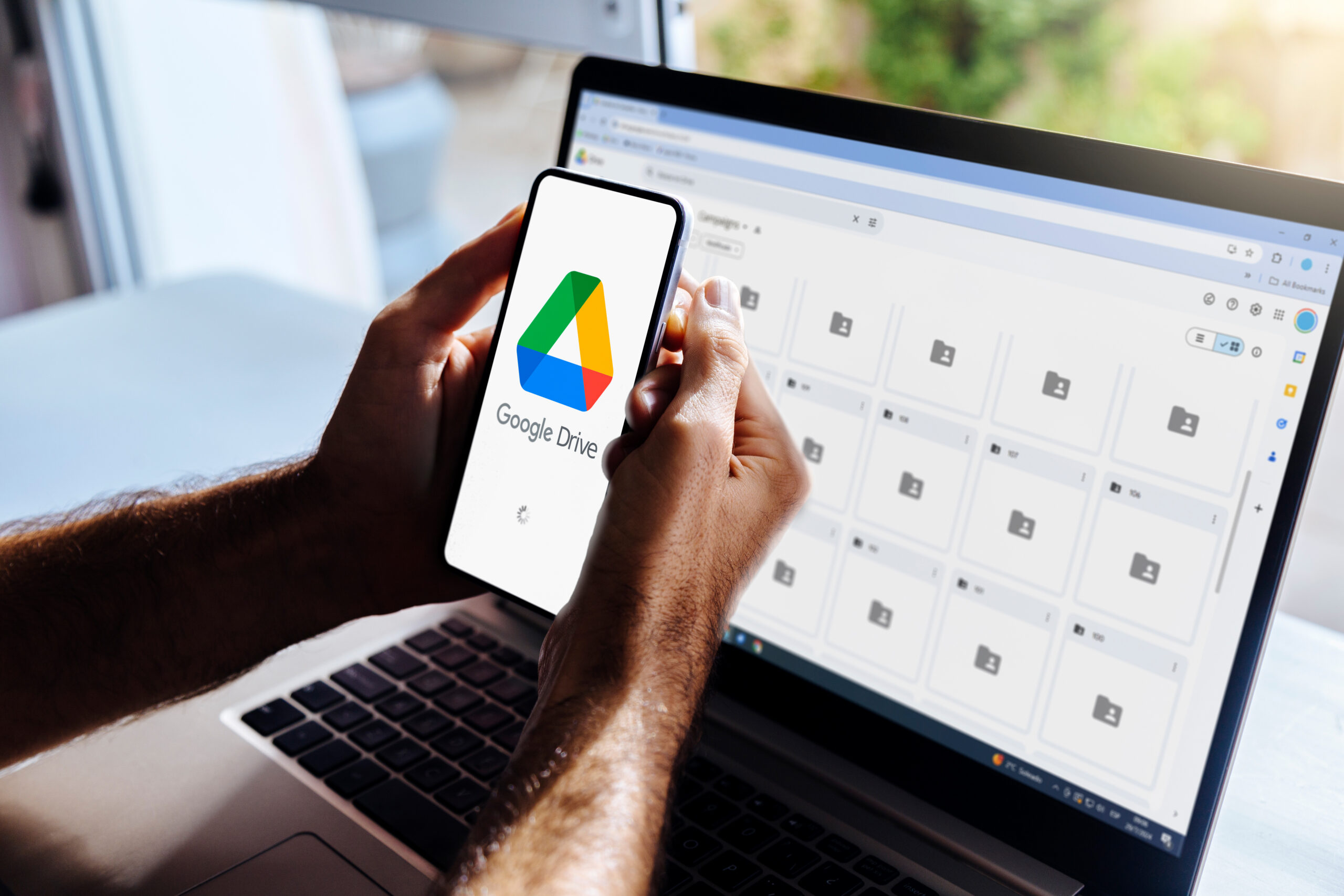
Picture this: An employee is working from home and needs a contract for a client meeting. Unfortunately, the latest version is saved on someone’s office computer, and the person who has access to it is out for the day. Now the employee has to wait, ask around, or recreate information that already exists. This is where cloud document management becomes especially valuable. Platforms such as Microsoft SharePoint, OneDrive, and Google Drive allow authorized employees to access and collaborate on documents from different locations. Instead of storing important files exclusively on individual computers or local office drives, businesses can keep documents in centralized locations with appropriate access controls. Cloud-based document management can help employees:
- Access files from approved devices and locations.
- Collaborate on shared documents.
- Find current versions without searching through email attachments.
- Share information with coworkers more efficiently.
- Maintain more consistent document organization.
However, moving files to the cloud is only part of the solution. Businesses also need clear folder structures, consistent file naming conventions, and appropriate access permissions. Without those practices, a cloud drive can become just as disorganized as a traditional shared folder. It is also important to establish backup, retention, and security policies rather than assuming that cloud storage alone protects every document. For businesses that regularly handle contracts, invoices, customer records, or other important paperwork, organized cloud storage can make remote work much easier.
4. Collaboration and Project Management Tools
When everyone works in the same building, it is easy to stop by someone’s desk to ask a question or get a quick project update. Remote employees do not always have that option. Without a clear way to communicate and track work, teams may rely on long email chains, scattered messages, and meetings that could have been avoided. Remote team collaboration tools can help keep information organized and make it easier for employees to work together. Platforms such as Microsoft Teams, Slack, Asana, and Trello offer different ways to communicate, manage tasks, and track progress. For example, a marketing team might use a shared project board to manage an upcoming campaign. Instead of emailing coworkers to ask whether a design is ready or who needs to approve a draft, employees can check the project status in one place. The right tools can help teams:
- Assign tasks and clarify responsibilities.
- Track deadlines and project progress.
- Share updates without scheduling another meeting.
- Keep project conversations organized.
- Collaborate on documents and other resources.
Of course, adding more applications does not automatically improve communication. If employees have to check five different platforms to find one update, the tools may create more work than they eliminate. Before investing in new software, review what your team already uses and identify where communication tends to break down. You may find that better use of an existing platform is all you need.
5. Remote IT Support and Device Management
Technology problems are frustrating enough in an office. They can be even more disruptive when an employee is working remotely. Maybe someone’s laptop will not connect to a business application. Another employee cannot access their email. Someone else needs help installing a software update before an important meeting. Without a reliable support process, these issues can leave employees waiting for help or trying to troubleshoot problems on their own. Remote IT support allows technicians to diagnose and resolve many technical issues without physically visiting an employee’s location. Depending on the issue and the tools available, an IT provider may be able to remotely access an authorized device, troubleshoot software problems, manage updates, or help restore access to business applications.
Managed IT services can also help businesses take a more proactive approach to supporting remote employees. For example, centralized device management can allow IT administrators to monitor supported equipment, apply security policies, deploy updates, and identify certain problems before they become larger disruptions. This is particularly useful for businesses with employees spread across different locations.
6. Cybersecurity Tools That Protect Remote Employees
When employees work outside the office, businesses have less control over the networks and physical environments they use. Someone may connect from a home network with outdated router settings, use a personal device for work, or access sensitive information while traveling. These situations can introduce security risks if businesses do not have the right protections in place. Remote work security should be a priority for any business that allows employees to access company systems outside the office. Some important cybersecurity measures include:
- Multi-factor authentication (MFA): Adds another layer of verification when employees sign in to business accounts, helping protect against unauthorized access if a password is compromised.
- Endpoint protection: Helps detect and respond to threats affecting laptops, desktops, and other connected devices.
- Secure remote access: Solutions such as properly configured VPNs or zero-trust access tools can help protect connections to business resources.
- Device encryption: Helps protect information stored on laptops and other devices if they are lost or stolen.
- Security awareness training: Teaches employees how to recognize phishing emails, suspicious links, and other common threats.
Businesses should also establish clear policies for software updates, password management, personal device use, and reporting suspicious activity. The goal is to make secure practices part of everyday work without creating unnecessary obstacles for employees.
7. Document Scanning and Digital Workflows
Remote work becomes much harder when important business processes still depend on someone physically handling paperwork at the office. For example, imagine an employee needs to review a signed form, but the original document is sitting in a filing cabinet. Someone at the office has to locate it, scan it, and email it before the remote employee can continue working. Now imagine that same situation happening multiple times a day. Document scanning and workflow automation can help reduce these delays. Modern multifunction printers can do much more than make copies. Depending on the model and configuration, they can scan documents directly to email, shared folders, and supported cloud storage platforms. This allows employees at the office to digitize important paperwork and make it accessible to authorized coworkers working elsewhere.
Additional features such as optical character recognition (OCR) can turn scanned documents into searchable text, making information easier to locate later. Some document workflow solutions can also automate routine steps, such as routing scanned files to designated destinations or helping employees organize documents more consistently. For businesses in industries such as healthcare, education, legal services, and professional services, these capabilities can help connect paper-based processes with digital workflows. Instead of making remote employees depend on someone physically retrieving documents, businesses can create more efficient ways to capture, organize, and share information. Of course, sensitive documents still require appropriate security, permissions, and retention policies. The biggest benefit is helping information move where it needs to go, regardless of where employees are working.
8. Video Conferencing and Meeting Technology
Virtual meetings have become a regular part of the workday for many remote and hybrid teams. But anyone who has attended a meeting with poor audio, a frozen screen, or someone struggling to share a presentation knows that the experience is not always seamless. Reliable video conferencing tools can make communication easier, especially when employees need to discuss complex topics, review documents, or collaborate on projects. Platforms such as Microsoft Teams, Zoom, and Google Meet provide options for video calls, screen sharing, and virtual collaboration. For employees working from home, a dependable headset, webcam, microphone, and internet connection can make a noticeable difference. For hybrid meetings, businesses should also think about the technology inside their conference rooms. Interactive displays, wireless screen sharing, and compatible conferencing equipment can help in-office employees collaborate with remote coworkers. For example, a team might use an interactive display to review a presentation or brainstorm ideas while remote employees follow along through a video meeting. The goal is to make meetings useful for everyone, not just the people sitting in the conference room. And remember, not every conversation needs a video call. Sometimes a quick message, shared document, or project update is the more efficient option.
How to Choose the Right Remote Work Technology for Your Business
With so many remote work tools available, it can be tempting to invest in every new platform that promises to improve productivity. But more technology does not always mean a better work experience. Before purchasing new equipment or software, take a closer look at the challenges your remote employees actually face. Start by asking:
- Where do employees lose the most time? Are they struggling with slow equipment, document access, communication, or technical issues?
- What tools are they already using? Can you improve existing systems instead of introducing another platform?
- How well do your systems work together? Can employees move between applications without repeatedly entering information or searching for files?
- What are your security requirements? Do your tools provide appropriate access controls and protection for business information?
- How will employees receive support? Is there a clear process for troubleshooting equipment, requesting assistance, and learning new tools?
It is also worth involving employees in the decision-making process. Managers may see a problem differently from the people who deal with it every day. Ask remote employees which tools help them most and what regularly slows them down. Addressing specific problems is often more valuable than investing in technology simply because it is popular.
The best remote work technology is not necessarily the most expensive or feature-packed. It is the technology that makes everyday work easier, keeps employees connected, and supports the way your business operates.
At AD Solutions, we help businesses find workplace technology that supports both in-office and remote employees. From business phone systems to multifunction printers, we can help you explore tools that fit your team’s needs. Contact us to learn more about technology solutions that can help your team stay connected, productive, and secure.
Frequently Asked Questions
- What technology do remote employees need to work effectively?
Most remote employees need a reliable computer, dependable internet access, communication tools, secure access to business applications, and a way to collaborate on shared documents. Depending on their responsibilities, they may also benefit from a cloud-based phone system, external monitors, video conferencing equipment, and remote IT support.
- Do remote workers really need a VPN?
In most cases, yes. A VPN for remote workers encrypts the connection between an employee’s device and your company systems. This protects sensitive data when people work on home networks or public Wi-Fi. Many businesses also add zero trust access controls for an extra layer of protection.
- How can businesses keep remote employees connected and secure?
Businesses can use secure remote access solutions, multi-factor authentication, endpoint protection, device encryption, and centralized IT management to help protect remote employees. Clear cybersecurity policies and regular security awareness training are also important. For communication, cloud-based phone systems and collaboration platforms can help employees stay connected to coworkers and customers.