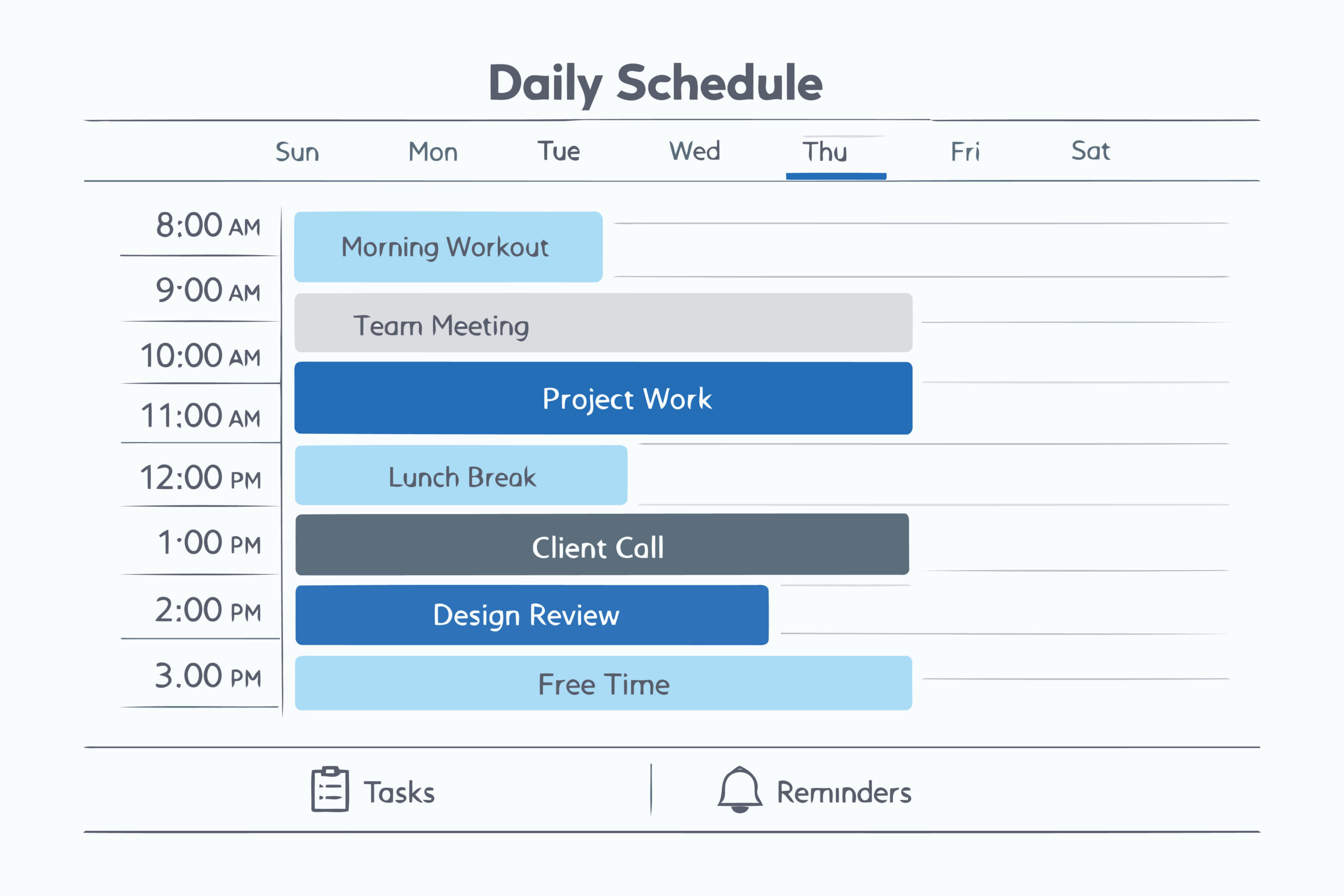
Tasks that require creativity and human judgment are best handled by people. Think about brainstorming marketing campaigns, building client relationships, or making strategic business decisions. But what about the everyday office tasks that are repetitive yet essential to keeping things running smoothly? Things like scheduling meetings, sorting emails, entering data, or organizing documents still need to get done, but they can easily eat up hours of your team’s time.
This is where AI-powered tools can help. AI can take over many of these routine responsibilities so your team can spend more time on strategic work that actually moves the business forward. If you’re curious about how AI can act as a productivity sidekick in your office, here are five simple ways you can start using AI in the workplace.
1. Scheduling and Calendar Management
The back-and-forth of finding a meeting time that works for everyone is a universal office headache. “Does 2 PM work?” “How about Tuesday?” This simple task can easily consume 30 minutes of coordination. AI-powered scheduling tools can handle this automatically. They check the calendars, propose meeting times, and even send invites and reminders. It’s one of the simplest yet most effective AI business tools for improving workplace efficiency.
2. Email and Message Sorting
The average professional spends over three hours a day on email. That’s a huge chunk of the week spent sorting, replying, and archiving messages. AI-powered email assistants can learn your habits and take over. These tools can automatically categorize incoming mail, flag urgent messages, and archive newsletters for later. They can even draft replies to common questions, saving your team from typing the same response over and over. This frees up mental space and allows your staff to focus on communications that require a human touch, like nurturing a client relationship or resolving a complex issue.
3. Taking Notes and Summarizing Meetings
How many great ideas get lost because no one was taking detailed notes during a brainstorming session? Or maybe someone was so focused on typing that they couldn’t fully participate in the conversation. AI can act as your dedicated meeting scribe. AI task automation tools can join your virtual meetings to transcribe the entire conversation in real time. But they don’t stop there. Afterward, the AI can generate a concise summary, highlight key decisions, and create a list of action items with assigned owners. This ensures everyone is aligned and important takeaways are never forgotten.
4. Generating First Drafts of Reports and Content
Writing is a creative process, but much of the initial work involves gathering information and structuring it. You can use AI to do the heavy lifting. Provide it with the raw data, key points, and desired tone, and it can generate a structured first draft. This isn’t about replacing human writers, but empowering them. Your team can then use their expertise to refine, edit, and add the critical insights that only a person can provide. It turns a daunting task into a manageable editing job.
5. Analyzing Data for Quick Insights
Your business generates a massive amount of data, from sales figures and website traffic to customer feedback. Sifting through spreadsheets to find meaningful trends can be a full-time job. This is an area where using AI for office productivity truly shines. Instead of manual analysis, you can ask an AI tool direct questions in plain language. For example, “What were our top-selling products in the last quarter?” or “Which marketing channel had the highest conversion rate in May?” AI can then analyze the data instantly and present the findings in an easy-to-understand chart or summary, giving your team the insights they need to make smarter, faster decisions.
Start Small, Win Big
When integrating AI into your workflows, start small. Choose one process or task to automate, test the tool, and see how it performs. Measure the results and gather feedback from your team to make sure the solution truly fits your business needs. Once you find a tool that works well, you can expand its use and continue building a smarter, more efficient workplace.
Frequently Asked Questions
- What tasks can be automated using AI?
AI can automate tasks like scheduling, email sorting, data entry, document organization, and basic customer interactions. Essentially, repetitive and predictable tasks are ideal for automation.
- 2. Are AI-powered tools difficult to implement?
Most modern AI solutions are user-friendly and integrate with existing office software. Training and setup take some time, but the long-term efficiency gains make it worthwhile.
- 3. Can AI for administrative tasks replace employees?
No. AI is designed to assist, not replace. It takes over repetitive work so your employees can focus on tasks that require human judgment, creativity, and relationship-building.