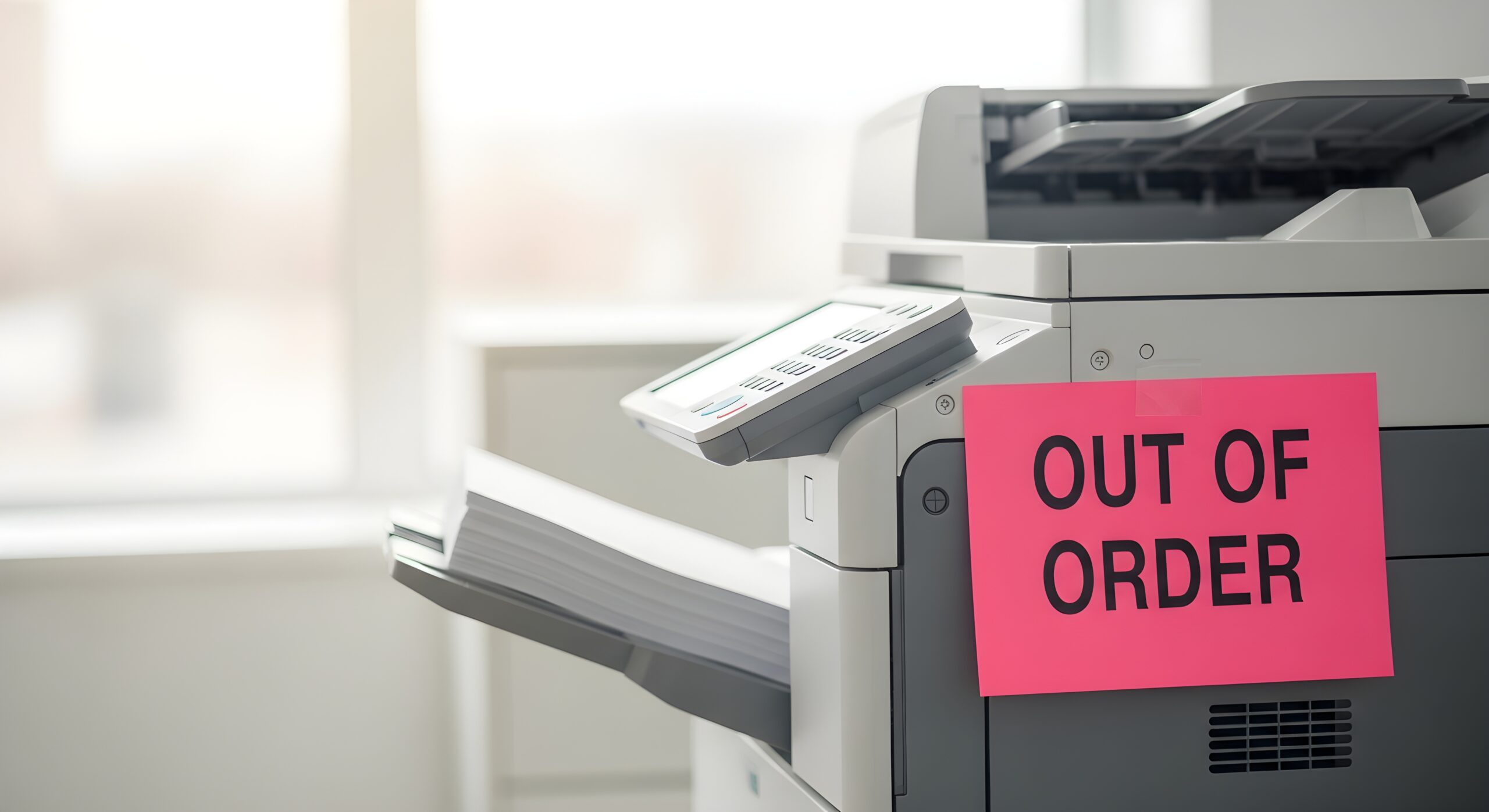
Hidden costs have a way of sneaking up on businesses. You think you’ve budgeted for everything, but by the time you add on software upgrades, service fees, and feature unlocks, your “affordable” technology starts looking a lot less affordable. This happens often with office equipment—especially multifunction printers (MFPs).
Some brands sell their base models at attractive prices, but once you start adding the tools your team actually needs—like secure printing, scanning to the cloud, or advanced document finishing—the total cost climbs quickly. These extras can chip away at your office budget and make cost management unpredictable.
That’s where Sharp MFPs stand out. Instead of charging extra for key features, Sharp builds many of them right in. This gives you more value upfront, fewer surprises later, and a smoother workflow from day one.
The Hidden Costs of an “A La Carte” Approach
Many technology providers present a low initial price to get your attention. This base price, however, often covers only the most basic functions. The essential features you need to operate efficiently are categorized as optional extras. Think of it like buying a car. The advertised price gets you the engine and wheels, but if you want air conditioning, a sound system, or even floor mats, you have to pay more for each. In the office tech world, this can be even more frustrating.
The upfront cost of an MFP is only part of the story. When you factor in all the optional licenses, software, and service fees from other brands, your total cost of ownership can skyrocket.
Imagine this: You purchase a printer that seems like a good deal at first glance. But to enable cloud scanning, you need to buy an integration license. Want secure printing? That’s another add-on. Need OCR or workflow automation? More licenses, more cost.
With Sharp, those features are part of the package. You get the tools your business needs to operate efficiently and securely—without the nickel-and-diming.
What “Standard Features” Really Mean for Your Bottom Line
A true value-driven device should deliver all the essentials without needing upgrades. Sharp’s philosophy is that productivity and security shouldn’t come with an extra price tag.
Here are a few examples of features that Sharp includes standard—features that competitors often list as premium add-ons:
- Cloud Connectivity: Sharp MFPs connect directly to services like Google Drive, OneDrive, and SharePoint without needing costly connectors or add-on software. This makes sharing and storing documents simple and secure from day one.
- Secure Print and User Authentication: Built-in tools like PIN-based printing and user authentication help keep sensitive information protected. You don’t have to buy separate licenses for basic security.
- Optical Character Recognition (OCR): Many Sharp models include OCR right out of the box, allowing you to scan and convert documents into searchable PDFs without purchasing additional software.
- Customizable Touchscreen Interface: Instead of a clunky, confusing menu, Sharp’s large touchscreen interface is intuitive and easy to tailor. Each user can set up shortcuts for common tasks like scanning to email or cloud folders.
- Energy Efficiency and Smart Sensors: Sharp’s eco-mode and motion sensors automatically conserve energy when the device isn’t in use—another cost-saving feature built in, not sold separately.
Predictable Costs, Smarter Investments
Unpredictable add-on costs make budgeting tough. Sharp MFPs simplify that equation by delivering robust functionality at a consistent, transparent price. When you know exactly what your technology includes and what it costs to maintain, you can plan ahead and allocate resources where they matter most.
Plus, with fewer third-party dependencies, you also minimize compatibility issues and streamline your support process. That means less downtime, fewer headaches, and more focus on what really matters—running your business.
If your current printer setup keeps surprising you with hidden fees or add-ons, it might be time for a change. Our team at AD Solutions is here to help. Contact us for a free quote and see how Sharp’s all-in-one MFP solutions can help your office save time, cut costs, and simplify daily workflows—without sacrificing performance or quality.