IT teams are the behind-the-scenes heroes of every office. They keep systems running, protect your data, and jump in when technology goes sideways. But even the best IT teams shouldn’t have to spend their days troubleshooting printers or responding to the same “it won’t connect” message over and over.
While some IT issues are unavoidable, a constant stream of routine tickets usually points to a bigger problem: technology that isn’t working well for the people using it. When tools create friction instead of removing it, productivity slows, and frustration builds.
The good news is that many of these everyday IT tickets are preventable. With the right office technology in place, small issues get solved before they become problems. User-friendly interfaces, automated workflows, and error-proof systems reduce confusion, limit mistakes, and help employees work independently—so IT teams get their time back, and your office runs more smoothly.
Here’s how smarter office technology can help reduce IT tickets and keep work moving.
User-Friendly Interfaces Reduce Everyday Mistakes
One of the biggest drivers of IT tickets is confusion. When employees struggle to find the right button, menu, or setting, mistakes happen, and those mistakes turn into service calls.
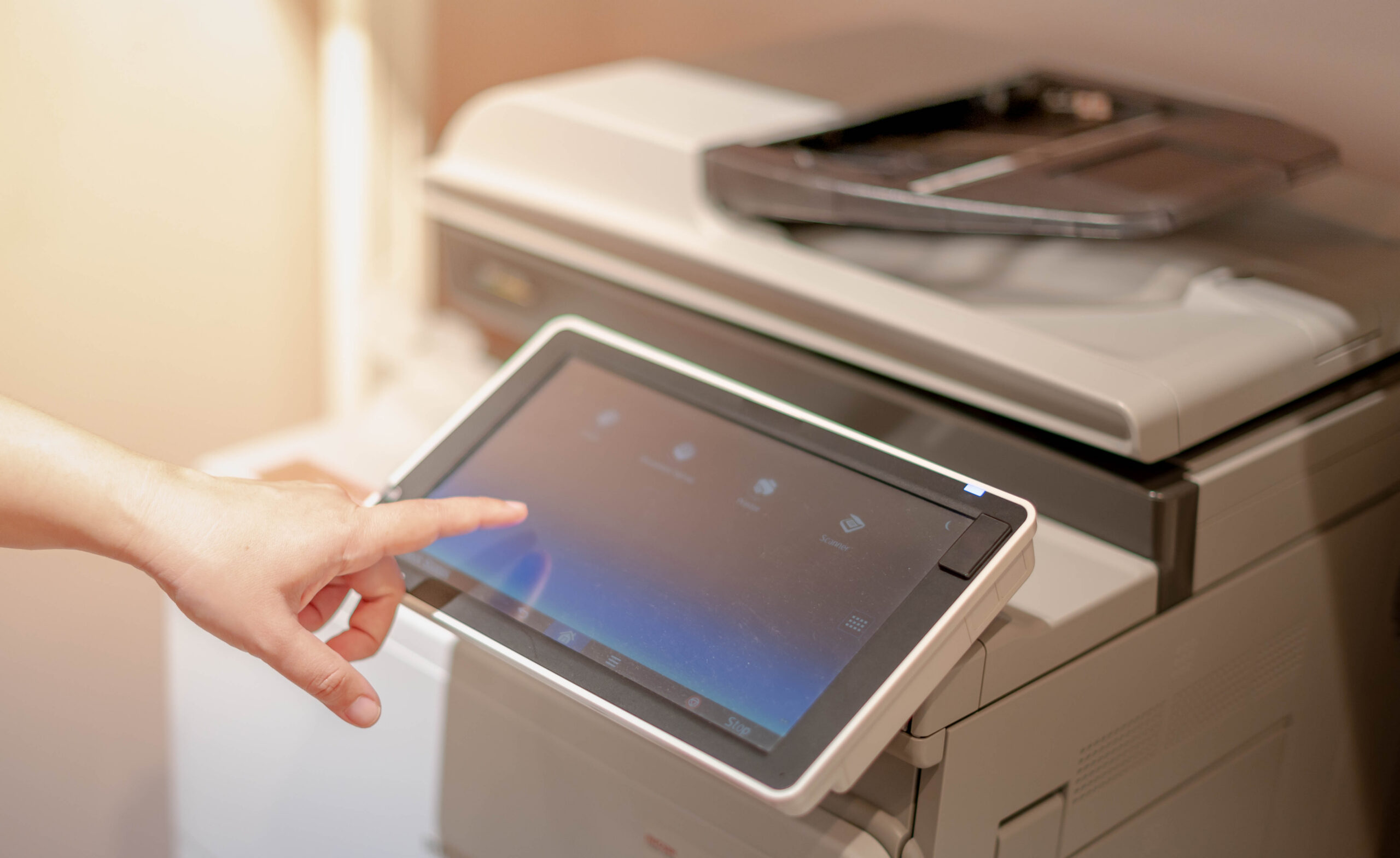
This is where technology with intuitive, familiar interfaces makes a big difference. Sharp MFPs, for example, use large touchscreens that feel more like a smartphone than a copier. Clear icons, simple menus, and customizable home screens help users complete tasks without guessing or clicking through endless options.
When employees can easily scan, copy, or print without second-guessing themselves, IT gets fewer “how do I” requests and fewer errors to fix.
Customizable Workflows Eliminate Repetitive Problems
Many IT tickets come from employees repeating the same steps over and over. Manually selecting scan settings, entering email addresses, or choosing folders increases the chance of mistakes.
With customizable workflows, common tasks are built right into the system. Employees can tap one button to scan invoices to a shared folder, send documents to email, or route files to specific departments.
By standardizing these processes, you remove variability and reduce errors. That means fewer rescans, fewer misfiled documents, and fewer calls to IT asking for help.
Automation Prevents Issues Before They Start
Manual processes are a common source of frustration and support requests. When systems rely on people to remember every step, something eventually goes wrong.
Automation helps close those gaps. Cloud-connected devices, automated document routing, and rule-based workflows keep things moving without constant oversight. For example, documents can be scanned directly into secure cloud storage without users needing to log in to multiple platforms.
The fewer steps employees have to manage, the fewer opportunities there are for errors that turn into tickets.
Fewer Break-Fix Calls with Reliable, Modern Devices
A large chunk of IT tickets can be traced back to aging equipment. Older devices tend to jam, freeze, disconnect, or fail at the worst possible moments. They also require more hands-on fixes and often struggle to work smoothly with newer networks and software.
Modern office technology is designed to be far more dependable. Today’s MFPs, phone systems, and network tools offer improved stability, easier management, and ongoing support through regular updates and security patches. They simply work better with less intervention.
Reducing hardware-related issues frees IT teams from constant firefighting and allows them to focus on bigger priorities.
Fewer Tickets, Happier Teams
The right technology takes pressure off your IT team by eliminating many of the everyday issues that cause constant interruptions in the first place.
At AD Solutions, we help offices choose technology that simplifies daily work and reduces unnecessary support requests. If your IT team spends too much time fixing the same problems over and over, it may be time to rethink your office technology. Contact us to explore solutions that make life easier for everyone.