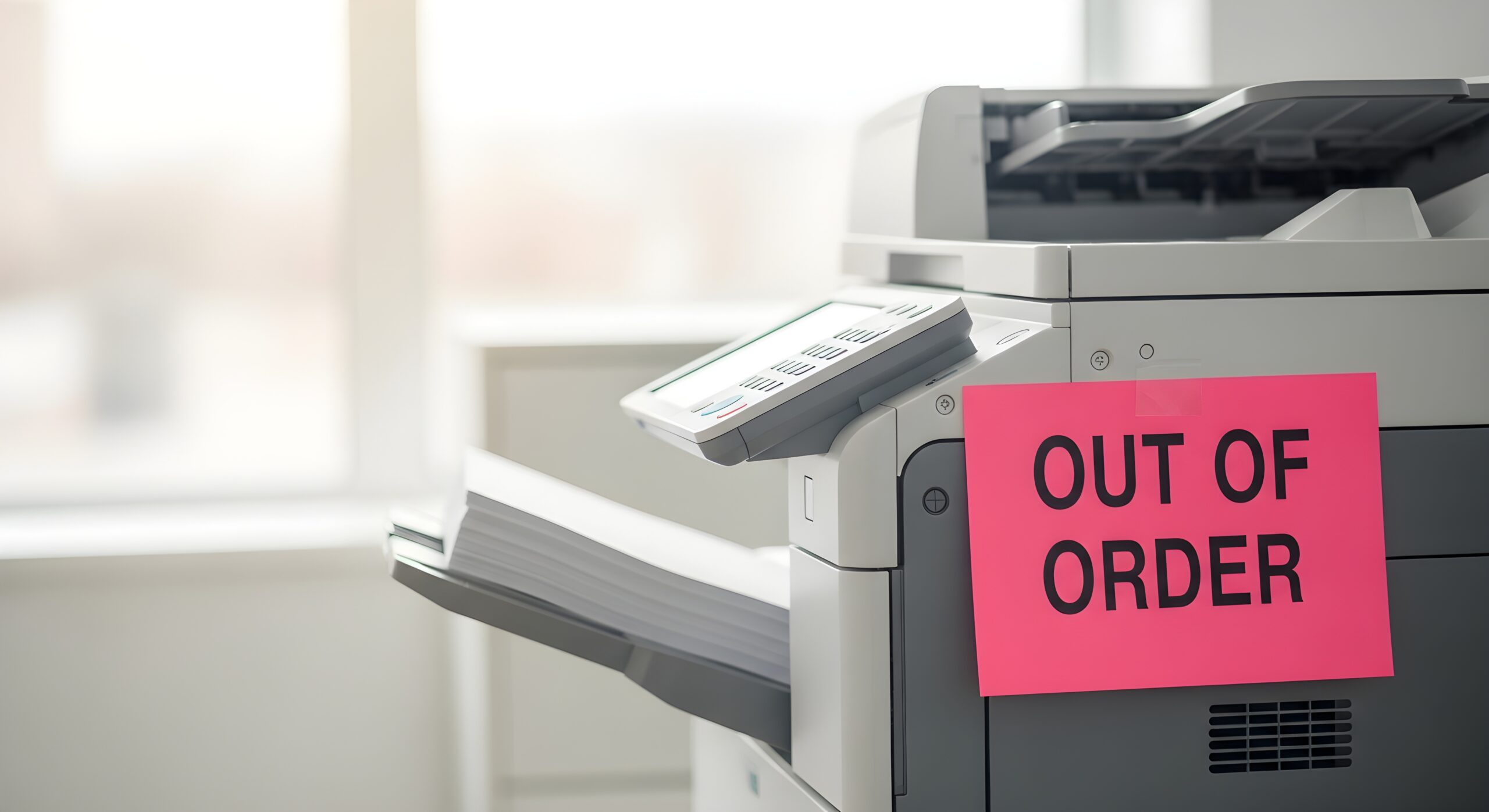
When your office copier is running low on toner, it lets you know with a flashing light or a message on the screen. Knowing when it’s time to replace the copier itself is not nearly as obvious. That’s exactly why many businesses continue using aging copiers because they still “work”. However, a copier that technically functions is not always operating efficiently. As equipment ages, maintenance costs increase, repairs become more frequent, and outdated features can hold your team back. But how do you know when it’s time to replace your office copier? The answer depends on several factors, such as the machine’s age, print volume, maintenance history, and whether it still meets your business needs. Here are a few signs that it may be time to start planning for an upgrade.
1. First, How Long Should Your Copier Last?
There is no universal expiration date for office copiers, but many business devices are designed to provide reliable performance for approximately five to seven years. However, this number shifts depending on how hard you push the machine. A small office printing a few hundred pages a week can stretch a copier past the seven-year mark. A busy team cranking out thousands of pages will wear the same model down much faster. The key thing to remember is that age alone doesn’t decide the replacement question. Print volume, repair frequency, and how well the copier keeps up with your daily needs matter far more than the year it was made.
2. Your Copier Is More Than Five to Seven Years Old
As mentioned above, most office copiers have a useful life of about five to seven years. With proper maintenance, some machines continue operating well beyond that point. However, as they age, replacement parts become harder to find, repairs become more frequent, and newer technology begins offering capabilities that older equipment simply cannot match.
If your copier is approaching this age range, it is worth evaluating whether it is still delivering the value your business needs.
3. Repairs Are Becoming More Frequent
Every copier will eventually need service. The occasional repair is perfectly normal. However, if your copier seems to require technician visits every few weeks or employees constantly report paper jams, error codes, or print quality issues, those repair costs can quickly add up. Ask yourself:
- Has the copier been serviced multiple times this year?
- Are the same problems continuing to return?
- Is downtime affecting employee productivity?
If the answer is yes, replacing the copier may be more cost-effective than continuing to repair it.
4. Your Business Has Outgrown Your Copier
Your copier should support the way your business works today, not the way it worked five years ago. Perhaps your company has:
- Added more employees
- Opened additional locations
- Increased print volume
- Adopted hybrid work
- Begun digitizing paper documents
If your copier struggles to keep up with current demands, it may be limiting productivity. Modern multifunction printers are designed to support today’s workplaces with faster print speeds, improved scanning capabilities, cloud connectivity, workflow automation, and enhanced collaboration features.
5. Employees Spend Too Much Time Waiting
Productivity losses are not always obvious. If employees regularly wait for documents to print, stand in line at the copier, or restart jobs because of frequent paper jams, those small delays accumulate throughout the workday. A newer business copier upgrade can provide:
- Faster print speeds
- Larger paper capacities
- Improved reliability
- Better scanning performance
- Faster first-page-out times
These improvements help employees spend less time waiting and more time working.
6. Your Copier Lacks Modern Security Features
Today’s copiers do much more than print. They connect to your network, store documents, process sensitive information, and communicate with cloud applications. Older devices may lack important security features such as:
- User authentication
- Secure print release
- Hard drive encryption
- Automatic data overwrite
- Network security monitoring
If your organization handles confidential information, upgrading your copier can significantly improve document security and help support compliance requirements.
7. Your Printing Costs Continue to Rise
Many businesses assume printing costs stay relatively consistent. In reality, older equipment often becomes more expensive to operate over time. Higher maintenance expenses, declining energy efficiency, increased toner consumption, and unexpected repairs all contribute to rising operating costs. If you notice your printing budget increasing year after year, your copier could be part of the problem. Reviewing your total cost of ownership often reveals that replacing an aging copier can actually lower long-term expenses.
8. You Still Rely on Manual Document Processes
Many older copiers simply print and copy. Today’s multifunction printers help businesses automate everyday workflows. Modern devices can:
- Scan directly to cloud storage
- Convert documents into searchable files
- Route documents automatically
- Integrate with document management systems
- Support mobile printing
- Simplify digital workflows
If employees still spend time manually scanning, naming, organizing, and routing documents, upgrading your copier could eliminate many of those repetitive tasks.
9. Parts and Supplies Are Becoming Harder to Find
As copier models age, manufacturers eventually discontinue replacement parts and supplies. This can lead to longer repair times, higher repair costs, limited availability, and increased downtime. If your service provider has difficulty obtaining parts for your equipment, it may be time to begin planning for replacement before a major failure occurs.
Copier Lease vs Buy: Which Makes Sense for You?
Once you’ve decided to replace, the next question is how to pay for it. The copier lease vs buy debate comes down to cash flow, flexibility, and how long you plan to keep the equipment.
Leasing makes sense when:
- You want predictable monthly payments instead of a high upfront cost.
- You like upgrading to newer technology every few years.
- You’d rather bundle service and supplies into one agreement.
On the other hand, buying makes more sense when:
- You have the capital and want to own the asset outright.
- Your print needs are stable and unlikely to change soon.
- You plan to keep the machine for its full lifespan.
For most small-to-mid-sized businesses, leasing wins on flexibility. You avoid a high upfront cost, and you stay current with technology without the headache of reselling old equipment. That said, the right choice depends on your budget and goals, so run the numbers both ways.
How Managed Print Services Change the Equation
Managed Print Services (MPS) is a smarter option many businesses overlook. Essentially, MPS takes the guesswork out of the entire process. Instead of tracking maintenance, ordering supplies, and stressing over replacement timings, a managed print partner handles it all for you. They monitor your fleet, spot issues before they cause downtime, and recommend upgrades at the right moment. The benefits add up quickly:
- Predictable costs. One clear monthly price covers service, supplies, and support.
- Less downtime. Proactive monitoring catches problems early.
- Right-sized equipment. You get the machines your business truly needs, not more or less.
- More time for your team. Nobody has to play copier technician anymore.
Managed print services turn a reactive headache into a proactive plan. That’s a win for your budget and your peace of mind.
Find the Right Time to Upgrade With AD Solutions
At AD Solutions, we help businesses evaluate whether repairing or replacing an office copier is the best long-term decision. Our team looks beyond the age of the equipment to evaluate print volume, maintenance history, operating costs, workflow needs, and future business goals.
Whether you are considering a business copier upgrade, exploring managed print services, or simply wondering if your current equipment is still the right fit, we can help you make an informed decision. Contact us today to schedule a print assessment and discover whether it is time to replace your office copier.
Frequently Asked Questions
- How long does an office copier typically last?
Most business copiers provide reliable performance for five to seven years, although well-maintained machines may last longer depending on print volume and usage.
- How do I know when to replace my office copier?
Frequent repairs, rising operating costs, outdated security features, slow performance, and increased downtime are all common signs that it may be time to replace your copier
- What are the benefits of upgrading to a new multifunction printer?
Newer devices offer faster performance, cloud integration, workflow automation, improved security, mobile printing, better scanning capabilities, and lower operating costs.