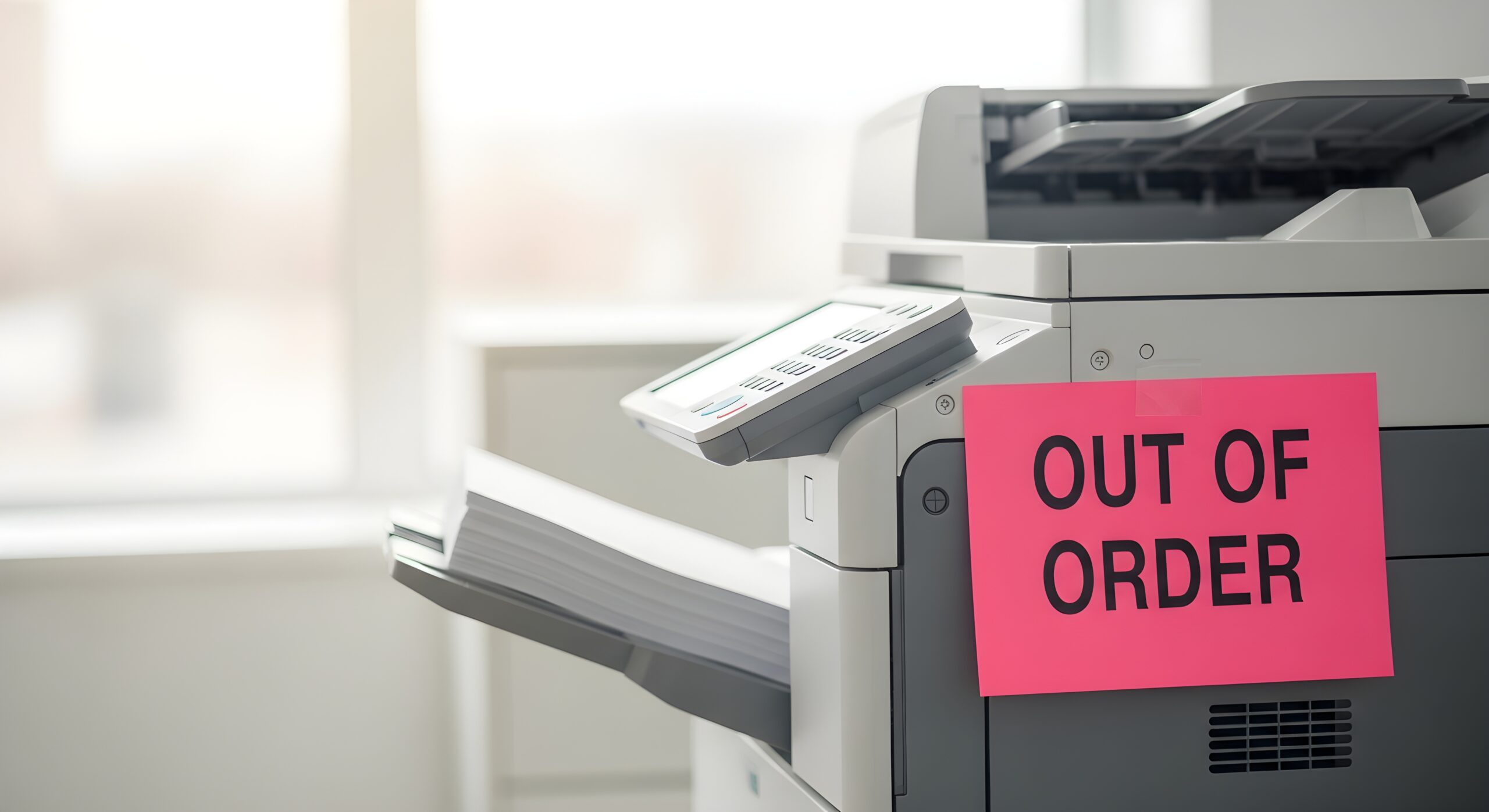
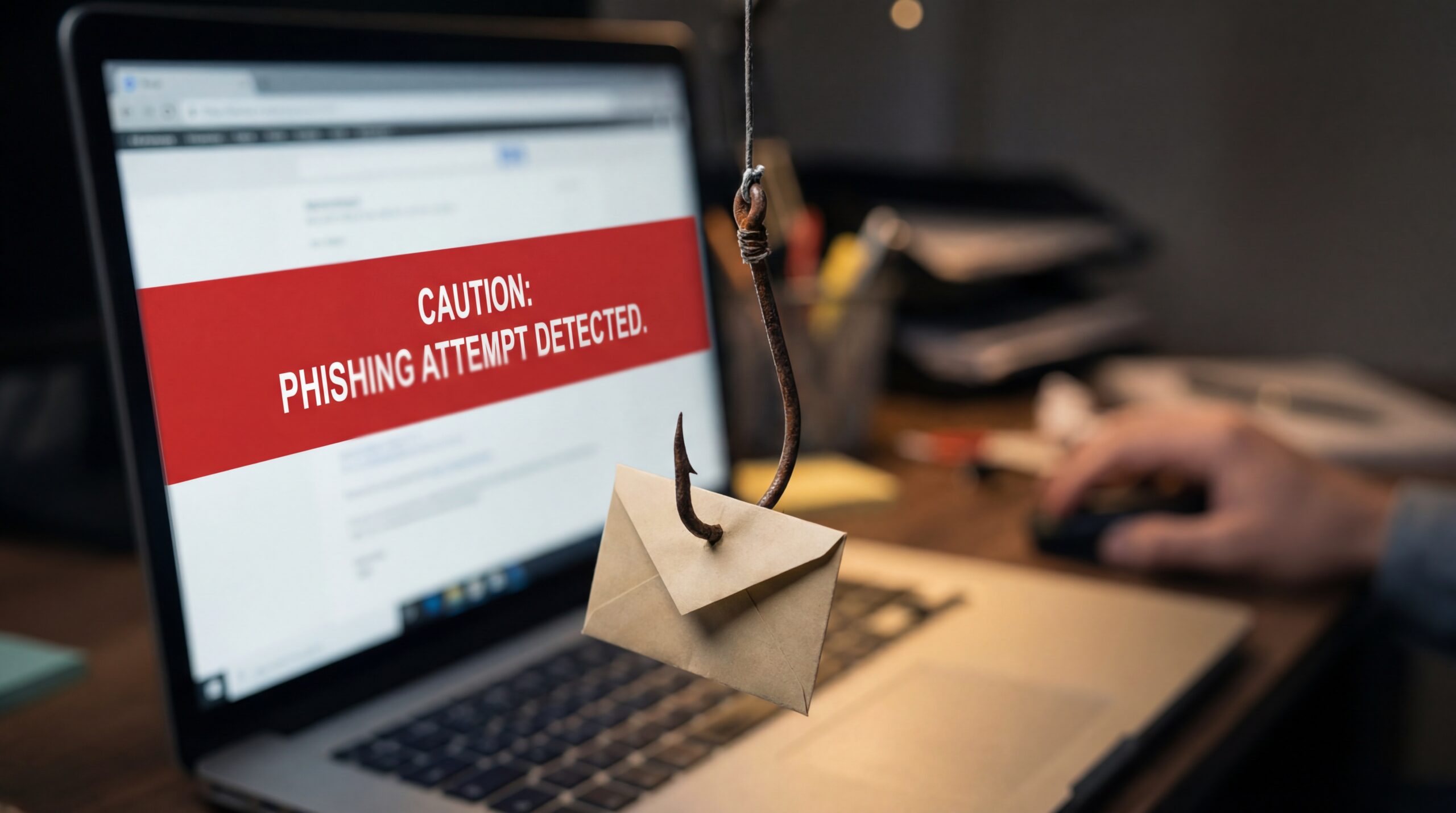
Businesses usually invest heavily in firewalls, endpoint protection, and cloud security, but many overlook a critical device connected directly to their network. Surprisingly, your office copier might be one of the biggest cybersecurity risks sitting in plain sight because modern copiers and MFPs aren’t just printers. They are powerful, networked devices with hard drives, operating systems, user logins, and access to your entire network. If they are not secured properly, they can become one of the easiest entry points for hackers.
If your copier is network-connected, it’s a potential vulnerability. Let’s break down why office copier security matters more than ever, how these devices create hidden network risks, and what steps you can take to protect your business.
Why Copiers Are a Bigger Risk Than You Think
As we mentioned earlier, modern multifunction printers, also known as MFPs, do much more than copy. They scan to email, store documents, connect to cloud platforms, and integrate with your document management systems. Much like anything else, this convenience comes with a responsibility.
When connected to your network, these devices create networked copier risks, including:
- Stored copies of sensitive documents on internal hard drives
- Open ports that can be exploited if not configured properly
- Weak or nonexistent user authentication
- Outdated firmware that leaves security gaps
Think about what runs through your copier every day: payroll reports, contracts, HR files, client information, etc. If any of this data is exposed, the consequences can be catastrophic.
The Hidden Danger: Your Copier Has a Hard Drive
Many business owners are surprised to learn that their copier has a hard drive. Even more surprising is the fact that it may be storing images of every scanned or copied document. If that drive is not protected, it can be accessed by unauthorized users. Plus, if you trade in or return a leased device without properly wiping it, your data could leave the building with it.
That’s why it’s important to encrypt the copier’s hard drive. Encryption ensures that even if someone gains access to the drive, the data is unreadable without proper authorization. This is a simple but powerful layer of protection.
What a Secure MFP Should Include
A truly secure MFP is designed with cybersecurity in mind from the ground up and goes beyond just locking the front panel. It is about protecting data in transit, at rest, and at the point of access.
Here is what to look for:
1. Enable and Configure Security Features
Your MFP likely comes with a suite of built-in security features. The problem is that they are often disabled by default. Dive into your copier’s administrative settings and get familiar with what’s available. Look for options like:
- Data Encryption: Enable hard drive encryption immediately. This scrambles the data stored on the drive, making it unreadable to anyone without the proper decryption key.
- User Authentication: Set up user codes, PINs, or card readers. This requires users to identify themselves before they can use the machine. It creates an audit trail and prevents unauthorized access.
- Secure Network Protocols: Use secure protocols like IPsec and SSL/TLS to encrypt data as it travels between the copier and your network. This prevents eavesdropping on print jobs sent over the network.
2. Regularly Update Firmware
Just like your computer’s operating system, your copier’s firmware needs to be updated. Manufacturers release firmware updates to patch security vulnerabilities and improve performance. Ignoring these updates leaves your device exposed to known exploits. Make it a policy to check for and install firmware updates regularly. You can often set the device to update automatically.
3. Change Default Passwords
This one is simple but critical. Every networked device comes with a default administrator password. These passwords are often publicly available online. If you don’t change the default password, anyone with even a little knowledge can gain full administrative access to your copier. Choose a strong, unique password and change it periodically.
4. Implement a Secure Disposal Plan
What happens to your copier when you upgrade to a new model? You can’t just put it on the curb. The hard drive still contains a history of your sensitive documents. Before disposing of an old MFP, ensure the hard drive is professionally wiped or physically destroyed. Many managed print service providers, like us, include secure disposal as part of our service. This ensures your old data doesn’t fall into the wrong hands.
Office Printer Security Is Part of Your Overall IT Strategy
Remember, your copier is a network endpoint, just like a laptop or server. That means it should be:
- Monitored
- Updated
- Configured with the same security policies as other devices
- Reviewed during IT audits
Periodically ask yourself:
- Is your IT team monitoring copier activity?
- When was the last time your copier’s security settings were reviewed?
- Do you know if your copier’s hard drive is encrypted?
- Are users required to authenticate before printing or scanning?
How AD Solutions Helps Protect Your Print Environment
At AD Solutions, we help businesses strengthen their office print security and reduce risk. We start with an evaluation of your current fleet. Then we:
- Configure devices with proper authentication protocols
- Enable encryption and secure data overwrite settings
- Update firmware
- Align your print environment with your broader IT security policies
Contact us today for a free consultation.
Frequently Asked Questions
- Can office copiers be hacked?
Yes. Any network-connected copier can be a security risk if it’s not properly configured. Features like user authentication, encrypted storage, and regular firmware updates significantly reduce that risk.
- Are MFPs HIPAA compliant?
They can be, when properly configured. Encryption, access controls, and secure print release features help meet HIPAA requirements.
- How do I secure a networked office copier?
Start by enabling user authentication, encrypting stored data, updating firmware regularly, and segmenting your network to limit exposure.